Assisted invites
Start the assistant and let it handle eligible Invite buttons as they appear.
FB Invite Assistant takes care of repetitive Invite clicks while you stay in control.
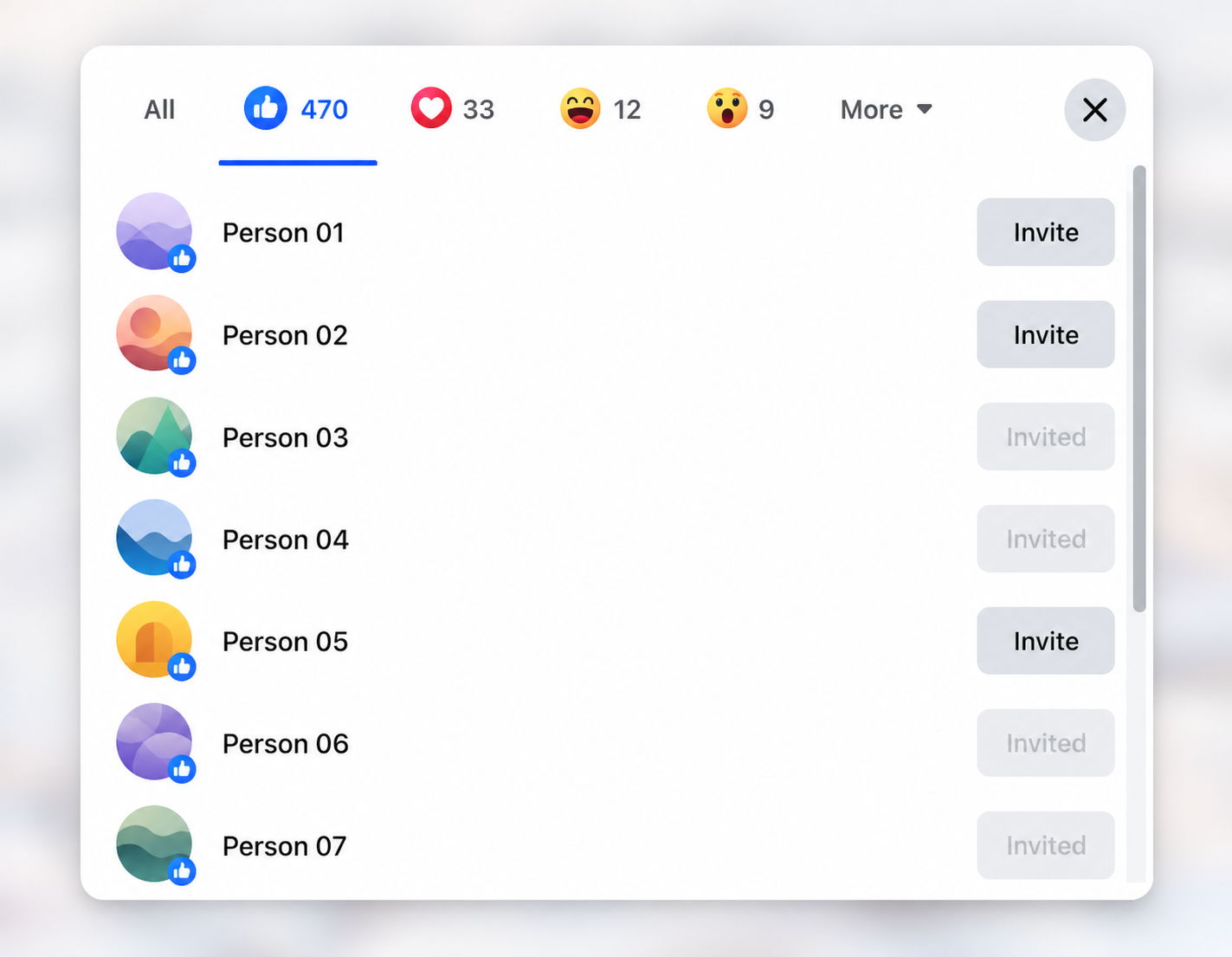
You choose the post and stay in control. The assistant handles the repetitive Invite clicks.
In Activity, choose Like and Love or All reactions, then press Start assistant. You can start before opening the reaction list.
Click the reactions on your post. The assistant waits for the list; with All reactions selected, it switches the list to All automatically.
Scroll through the reactions yourself, or use auto-scroll on paid plans, while the assistant handles eligible Invite buttons.
When the session is complete, open the next reaction list and press Start assistant in the on-page panel. No need to reopen the extension.
Focused features, with the controls exactly where you need them.
Start the assistant and let it handle eligible Invite buttons as they appear.
Keep Like and Love as the default, or switch to All reactions. The assistant selects Facebook’s All tab for you.
Paid plans can scroll the reaction list automatically. Switching browser tabs keeps the session active, though browsers may slow background activity.
Recognises eligible Invite states across 19 supported Facebook interface languages, with a manual selector whenever needed.
Stop or restart from the panel on Facebook. Completion messages tell you when to open the next reaction list.
Install the extension, then start with 50 invites per day for free. Upgrade only when you need more.
Facebook may limit invitations or restrict accounts. Follow the platform’s terms and any warnings shown in your account.